
Terminal
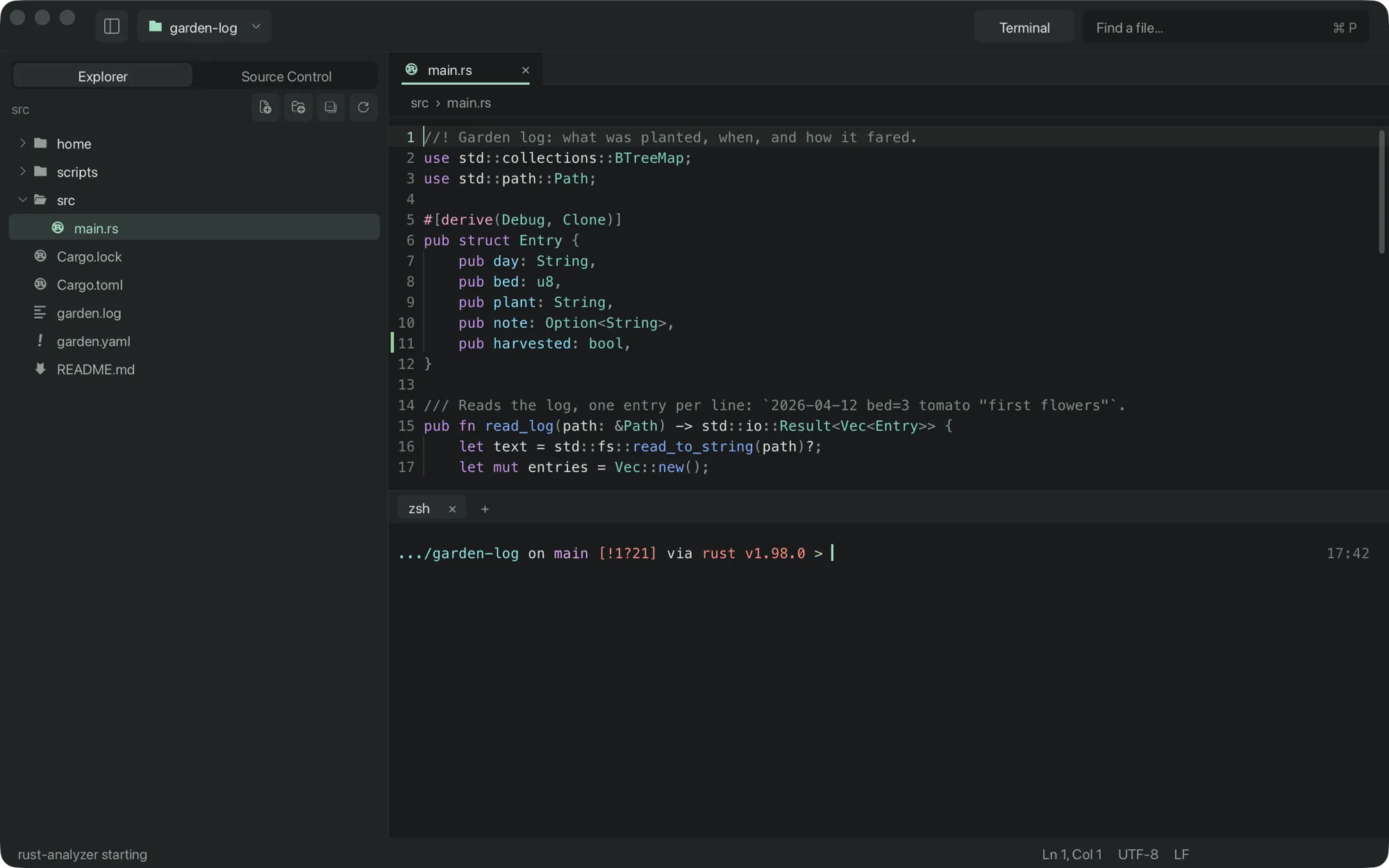
Open it
Section titled “Open it”Toggle the terminal panel⌃`
Toggle the panel⌘J
Claude Code in a tab⌘⇧C
View › New Terminal starts another session, and the + in the panel does the same. Each session has its own tab.
Your shell, in your project
Section titled “Your shell, in your project”Sessions run your login shell in the project folder, so your prompt,
aliases and PATH are the ones you set up.
The emulator
Section titled “The emulator”The emulator is xterm-compatible and written for crc. It supports:
- 24-bit colour
- scroll regions
- the alternate screen, so full-screen programs work
- bracketed paste
Open paths from output
Section titled “Open paths from output”⌘-click a path in the output, such as src/main.rs:42:7 from a
compiler error, to open it at that line and column. Relative paths are tried
against the session’s folder first, then the project’s.
Claude Code
Section titled “Claude Code”Run claude in any crc terminal and it connects to the window by itself.
See Claude Code.