Open Quickly, and every command
⌘P fuzzy-finds any file. Type > in the same box to run any menu command.
A native macOS editor drawn on the GPU straight from Metal and CoreText. Persistent terminals, workspaces, Git and Claude Code built in. A native editor, with local history, MCP tools and data grids.
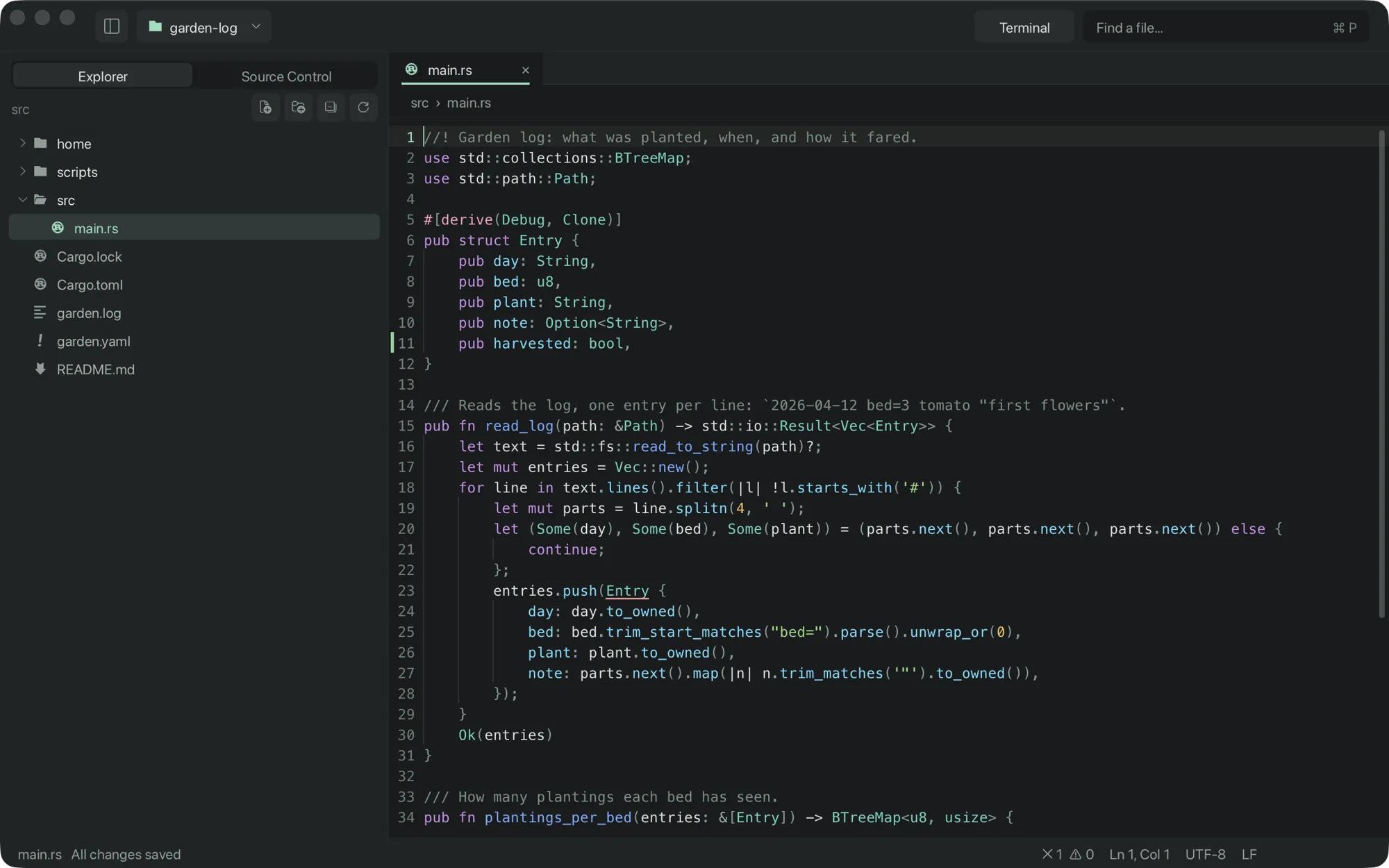
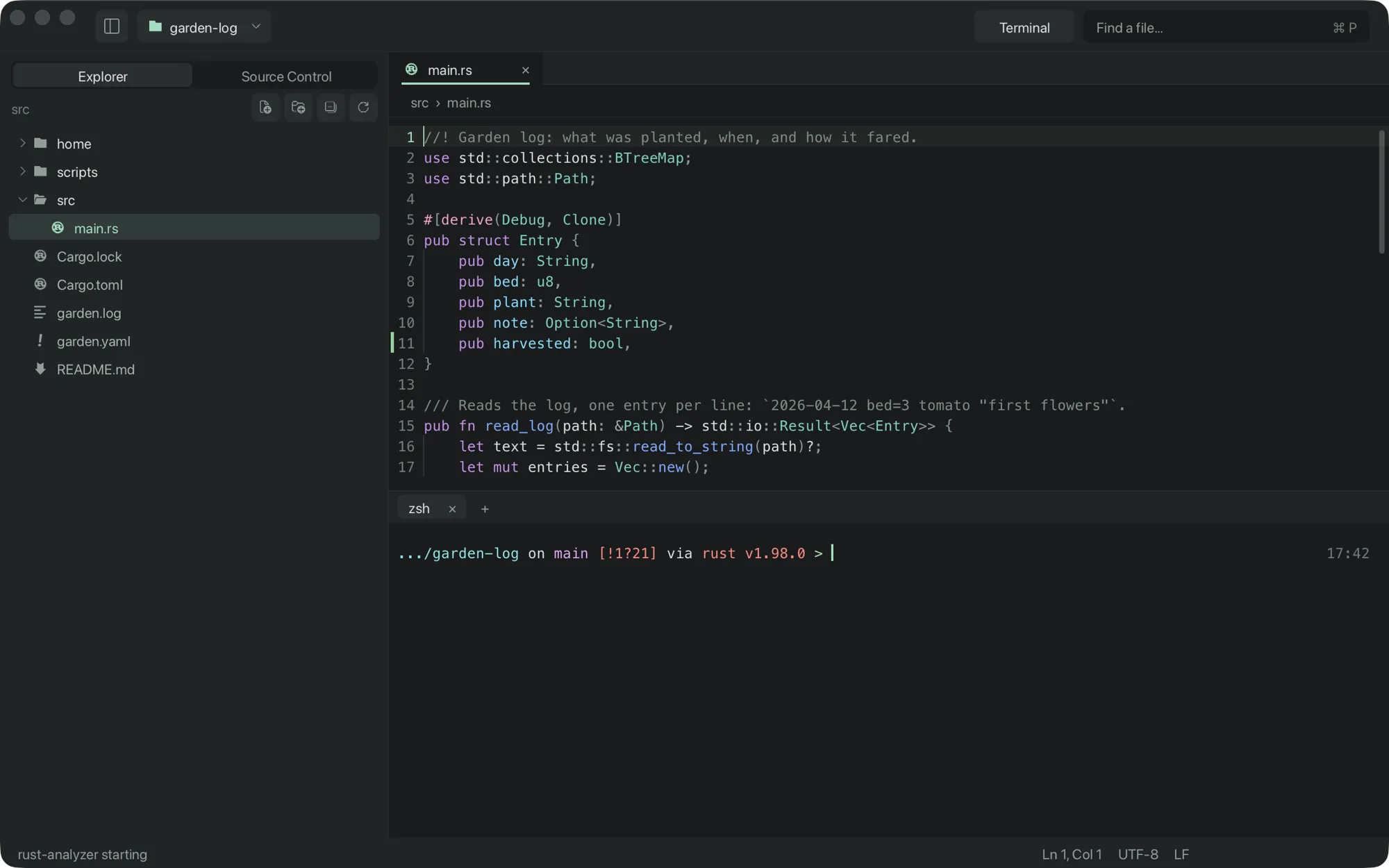
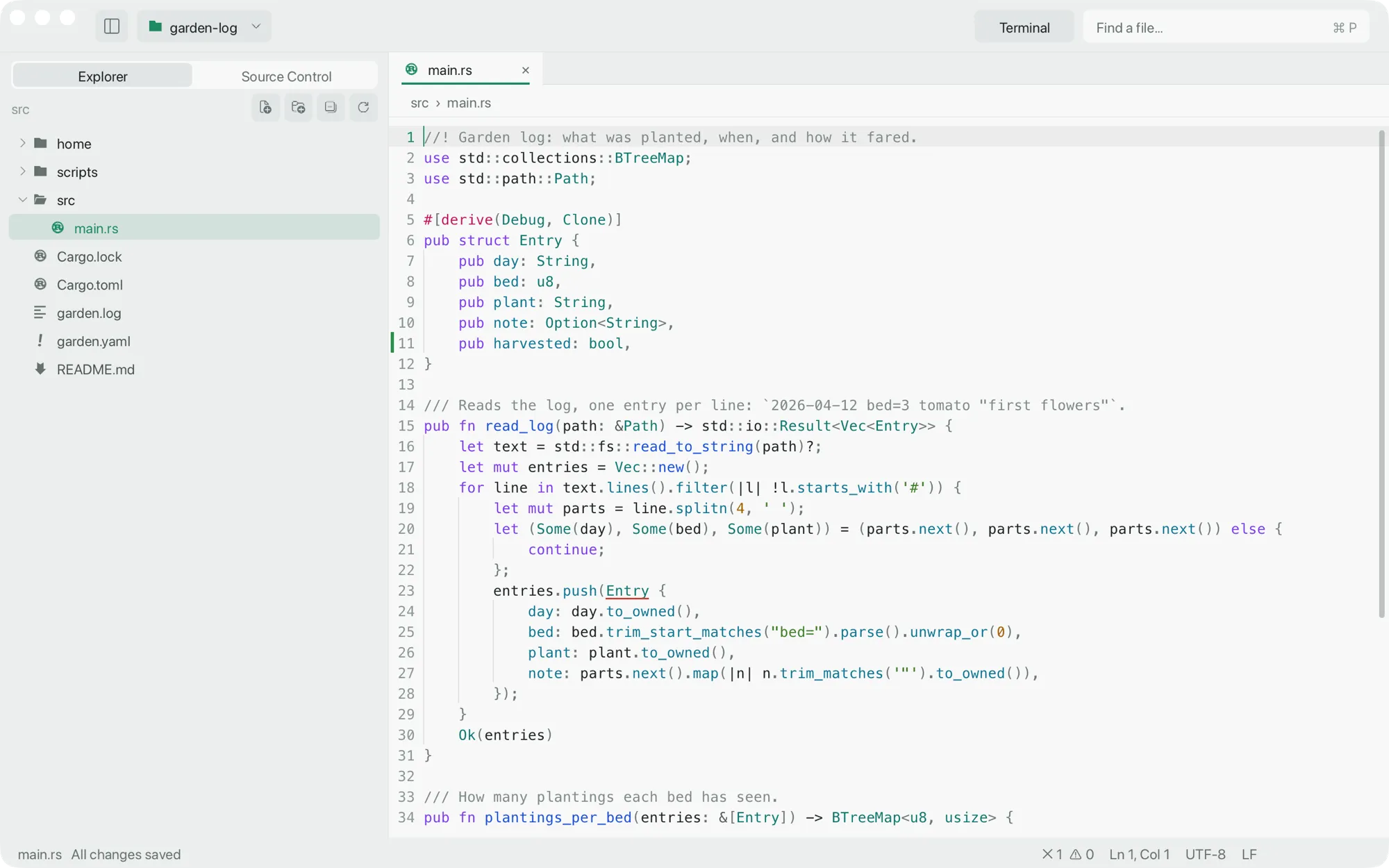
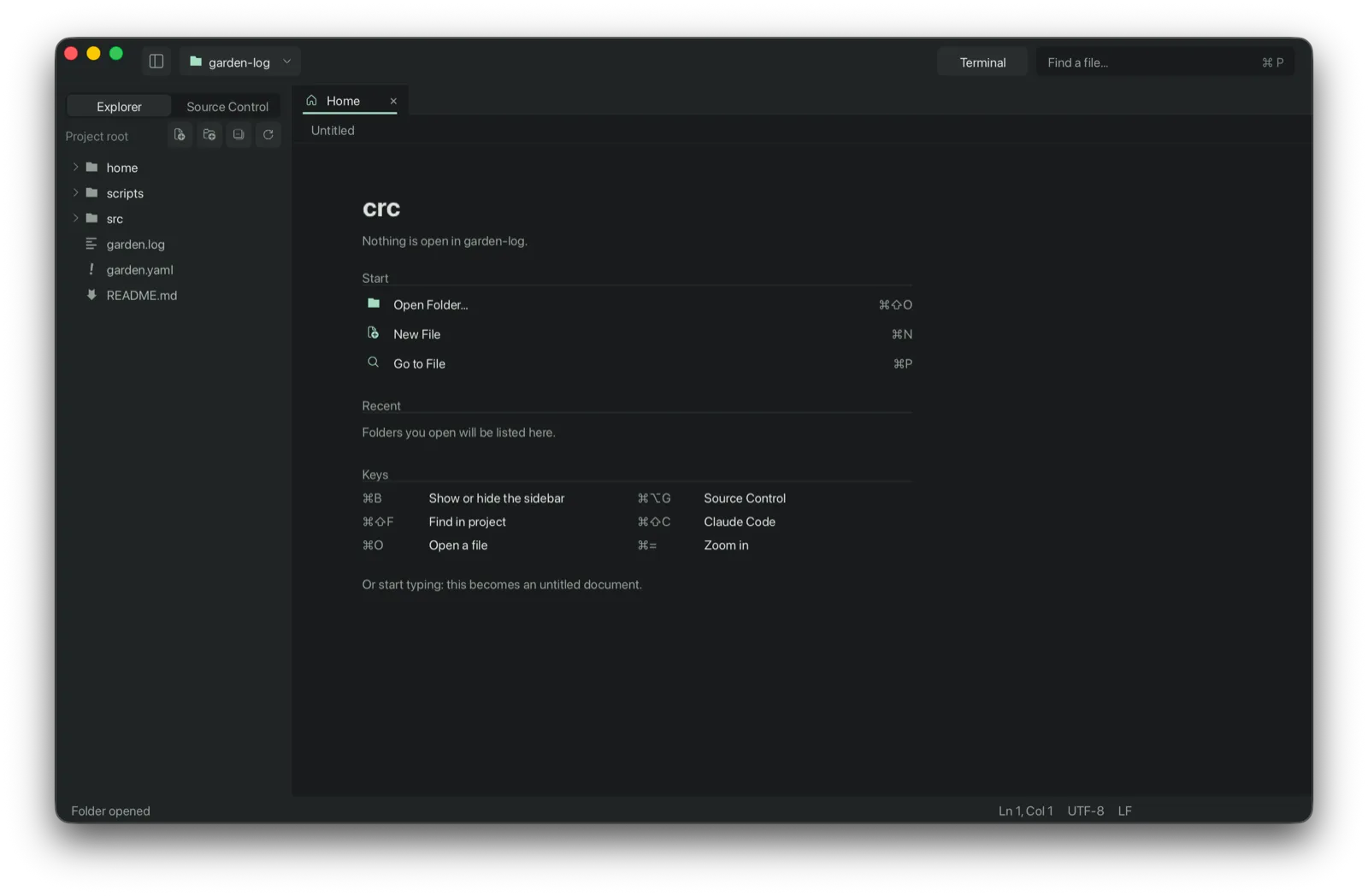
Native editor screenshots above; the feature illustrations below are schematic. See the handbook for current controls.
Type claude in any crc terminal and it connects to the window by itself, or press ⌘⇧C for a Claude tab. Edits proposed through the IDE bridge open as diffs you accept or reject.
The best guess appears as ghost text at the caret; the alternatives sit in one row of chips under the line. A single line explains the pick: where it is defined, how often it is used, how often you chose it after the same receiver.
History stays on your Mac. Go > Forget Completion History clears it.
Terminal sessions run your login shell in the project folder on an xterm-compatible emulator written for crc. Source Control stages whole files, hunks or selected lines, commits, switches branches, fetches, pulls and pushes.
src/main.rs:42:7 in any output opens that lineAt 120 Hz a frame lasts 8.333 ms. Measured on 2026-09-24 for alpha.1, buffer edit through GPU completion took 0.803 ms at p99 with the caret halfway through 2.7 million lines. This excludes event delivery and display scanout; results vary by machine.
Every glyph is an instance of one quad. A screen of text is a single drawPrimitives.
Layout works on visible lines. File loading, indexing and background parsing have separate costs.
Our own B-tree. Cloning is O(1), which makes undo snapshots and background parsing cheap.
The OS's own text shaping and GPU API, reached directly. No browser engine in between.
⌘P fuzzy-finds any file. Type > in the same box to run any menu command.
Up to four, each with its own tabs. ⌘\
⌘D for the next match, Option-click for anywhere.
.http filesThe JetBrains and VS Code REST Client format, with environments. ⌘↩ sends the request under the caret; the response opens in a tab.
Definition, hover, references, rename, format and signature help. Found where you installed them.
Ordinary saves use atomic replacement; mode, links and symlink targets are preserved. UTF-8, UTF-16, Windows-1252 and line endings are kept. Save guarantees and limits.
Styled where you write it, with a rendered preview beside it on ⌘E from the Markdown Preview extension. Images, PDFs and media open in Quick Look.
Fold a block or the whole file, wrap long lines, go to symbol, find and replace with regex, comment toggle, line move and duplicate, Emacs motions, full Unicode with emoji and CJK, session restore.
Folder and worktree workspaces, terminals that survive an app restart, repository status and remote SSH sessions. Workspaces and Agents mode.
Walk a file's Git commits and local versions, restore text as one undoable edit, and keep undo across restarts when the file still matches. History and limits.
Connect installed servers, browse tools and run saved calls. A separate read-only MCP server exposes the disk project and index to agents. MCP support.
Edit CSV and TSV. With DuckDB installed, query saved files and preview Parquet, JSONL and SQLite in bounded read-only grids; export results as CSV. Supported formats.
Highlighting via tree-sitter, compiled from vendored C
macOS conventions where they exist, the bindings every editor shares where they don't, and the Emacs motions your fingers already know.
All keyboard shortcuts →Cargo runs build scripts and proc macros with no allowlist and no minimum release age. So crc keeps its tree small enough to read, and CI fails if that changes.
Signed with a Developer ID and notarized. Grammars pinned by checksum. GitHub Actions pinned by commit. Read the dependency review →
Used every day by its author. Passing tests are not a stability guarantee; limits are documented alongside the features.
Every known limit →
Seventeen megabytes. Opens without a Gatekeeper warning. Drag it to Applications and open a folder.
$ open -a crc .